
Technical FAQ

Foxit PDF SDK ActiveX

  1. What's new in Foxit PDF SDK ActiveX 5.0?

    New Features:

    • Digital Signature
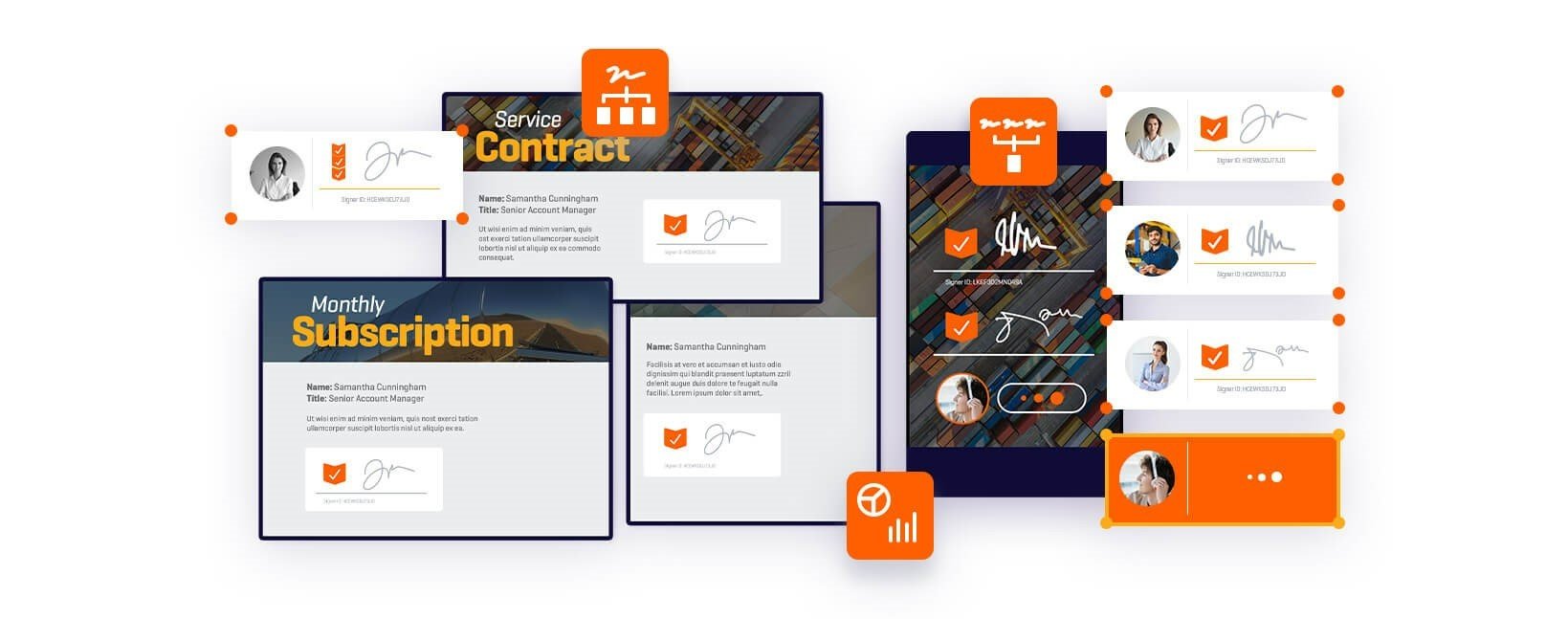
      Allows developers to enable their applications to digitally sign PDF documents using third-party digital certificates located in the Windows system certificate store. It also supports digital signature verification, signature timestamp, signature print control, and more.
    • Multi-Instance Support
      Permits developers to run multiple instances of ActiveX on a single system at the same time. It also enables capabilities such as batch printing.
    • Image Conversion
      Provides developers with the ability to convert images to PDF documents and export PDF documents to images.
    • PDF Document Organization
      Allows developers to incorporate Blank Page Creation, Page Inserting and Deleting features into their applications.
    • Asynchronous Operations
      Allows simultaneous reading and downloading of PDF documents.
    • Additional New Capabilities
    • Many bug fixes.

    To learn more about Foxit PDF SDK ActiveX 5.0, please visit here.

  2. After upgrading Foxit PDF SDK ActiveX from Version 3.0 (professional version) to the Version 4.0 or 5.0, I found the ActiveX I integrated into my application doesn't work now. What is the problem?
    In the Version 4.0 or 5.0, the standard version and professional version have different GUID (see below):
    GUID for Standard version: 0F6C092B-6E4C-4976-B386-27A9FD9E96A1
    GUID for Professional version: F53B7748-643C-4A78-8DBC-01A4855D1A10
    Please access each version using their specific GUID.
  3. The Foxit PDF SDK ActiveX control name was changed from FoxitReader_AX_Pro.ocx and FoxitReader_AX_Std.ocx to FoxitPDFSDK_AX_Pro.ocx and FoxitPDFSDK_AX_Std.oc, and the Class Name was changed from CFoxitReaderSDK to CFoxitPDFSDK. Under these circumstances, how can I use the new OCX to replace the old one in a Microsoft Visual C++ 6.0 project?
    Use the PRO version as an example, the replacement process is as follows:
    1. Delete all the files related to the old OCX in the project directory of the application;
    2. Cancel the control variable bound with the old OCX control;
    3. Delete the old OCX control;
    4. Import the new OCX control;
    5. Bind the new OCX control variable with the old name;
    6. Replace all the files in the project as following with “Match Case”:
      Replace CFoxitReaderSDK with CFoxitPDFSDK;
      Replace FOXITREADERSDKCTRL1 with FOXITPDFSDKPROCTRL1;
      (Std version: replace FOXITREADERSDKCTRL1 with FOXITPDFSDKSTDCTRL1)
      Replace Foxitreadersdkctrl1 with Foxitpdfsdkproctrl1;
      (Std version: replace Foxitreadersdkctrl1 with Foxitpdfsdkstdctrl1)
    Note: please back up the application before replacement.
  4. How to get the free trial versions of Foxit PDF SDK ActiveX?
    Please fill in the trial download forms to get the packages. Please note an evaluation mark will be shown on each PDF page that is being displayed.
    If you want to evaluate the Form and Annotation Module, please contact us at sales@foxitsoftware.com.
  5. What can I enjoy if I purchase the Foxit PDF SDK ActiveX ?
    You can enjoy the professional service and preferential price for future upgrade. Also, you will become a partner of Foxit.
  6. After I purchase the Foxit PDF SDK ActiveX, how can I use it?
    After you purchase Foxit ActiveX SDK and received the unlock code, you should call UnLockActiveX function once inside your program, before you call any other functions of the ActiveX. This function is described in the developer's guide. You don't need to call this function if you just want to evaluate the ActiveX.
  7. What is the difference between Foxit PDF SDK ActiveX standard version and professional version?
    Standard version does not include the following features: creating/editing annotation, form import/export, adding watermark, running javascript, converting PDF to text, etc. And the professional version does include these features.
    Please refer to the user manual to get more information.
    Also the licensing model is different. You may purchase the standard version online based on the distribution limit. For the professional version, you need to write to sales@foxitsoftware.com to request a quote.
  8. What is the difference between Foxit PDF SDK ActiveX and Foxit SDK DLL?
    Compared to the DLL version of Foxit SDK, the ActiveX version is much easier to be used and has rich features built inside it. A programmer can simply drag and drop the component into his application and instantly add PDF displaying functions to the application. The ActiveX allows users to navigate, zoom, rotate, scroll, annotate, form-fill and print out PDF documents.
  9. Does Foxit ActiveX support PDF form filling?
    It does support importing and exporting form data. And it does allow a user to edit form data from UI. However, version doesn't allow programmatically access form data.
  10. I am not accustomed to using English. Could I get a local version?
    Foxit ActiveX SDK has better support for multi-language UI. If you need a localized version and you are willing to cover development cost, please contact sales@foxitsoftware.com. We will customize a special version for you.
  11. I noticed that Foxit ActiveX Standard Version is licensed based on distribution limit. What is the distribution limit?
    Distribution limit means that the copies of your application running by your end-users which integrates Foxit PDF SDK ActiveX should not be more than the amount of the licenses you purchased. Therefore distribution limit is calculated by the number of your end users.
  12. I got some blank pages displayed sometimes with Foxit PDF SDK ActiveX, but they work fine with Foxit Reader. What can I do?
    It is probably because that you didn't have the Eastern Asian Language pack and JPEG2000/JBIG Decoder. Please click the following links to download these two files (fpdfcjk.bin and fxdecod1.dll) and save them into the same directory where OCX is located.
    Eastern Asian Language Support:
    http://cdn04.foxitsoftware.com/pub/foxit/addonservice/newaddon/cjk/fpdfcjk_2.3.0.0312.fzip
    JPEG2000/JBIG Decoder:
    http://cdn04.foxitsoftware.com/pub/foxit/reader/desktop/win/addon/ImageDecoder_2.0.2009.303.fzip