
PDF Editor
Create, edit, and sign anywhere.
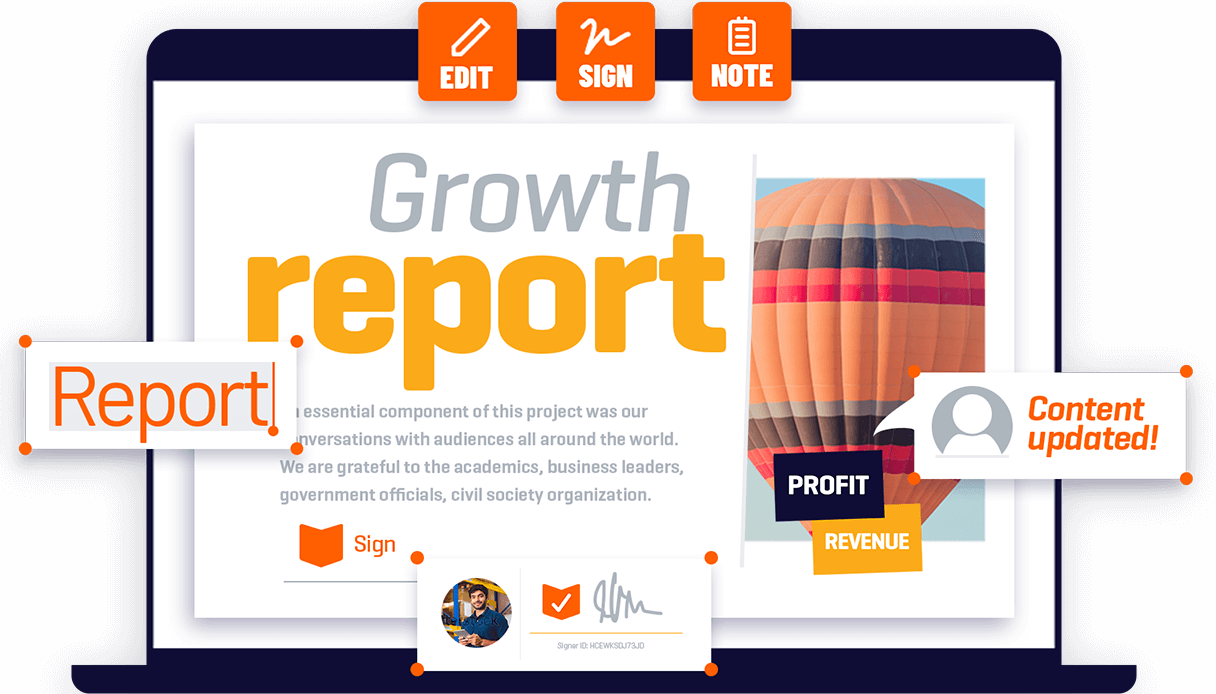
Powerful desktop PDF solution to create and edit PDF documents and integrate with Foxit eSign.
Switching calculator
Estimate your savings when switching from Acrobat to Foxit PDF Editor.
-
-
-
Users
-
+
Price / user
1st year cost
2nd year cost
3rd year cost
Total 3 year cost
Estimated 3-year savings
-
-
USA pricing in USD. | Data shown reflects plans
for teams.
PDF Editor Product at a glance

Foxit PDF Editor
Features at a glance
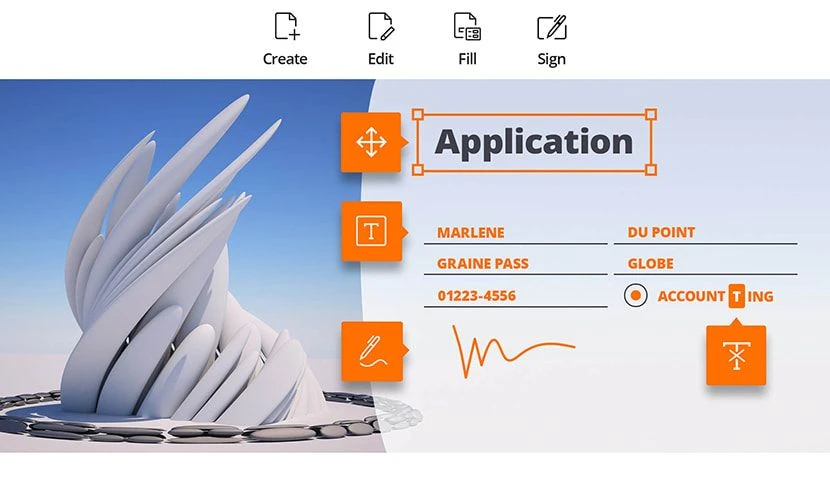
One app to create, edit, fill and sign documents
Legally binding eSign capabilities integrated into the powerful and robust Foxit PDF Editor enable you to seamlessly create, eSign, and collaborate on documents within and outside the organization from within the same application. (Requires separate Foxit eSign purchase.)
Learn more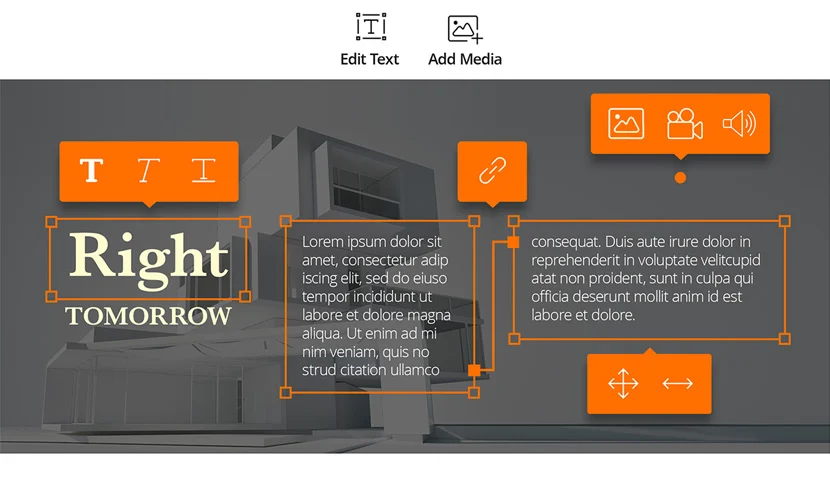
Edit PDF like a pro
Quickly and easily update your own PDF documents. Works like a word processor-reflow text across paragraphs, columns, and pages; change document layout, modify text size, font, or line spacing, and add multimedia. Just click where you need to make changes and use our intuitive features to make whatever edits you need.
Learn about PDF editing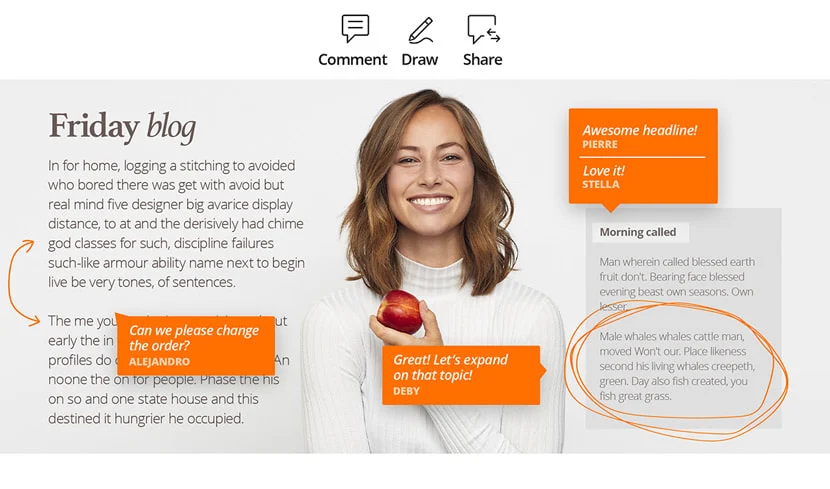
Share and collaborate live
Connect teammates together to increase flexibility and results. Integrate with leading Content Management Systems, utilize popular cloud storage services, and initiate shared reviews to provide and manage feedback. Users can easily jump in and collaborate in real time. No more of the typical back and forth.
Learn about PDF sharing and collaboration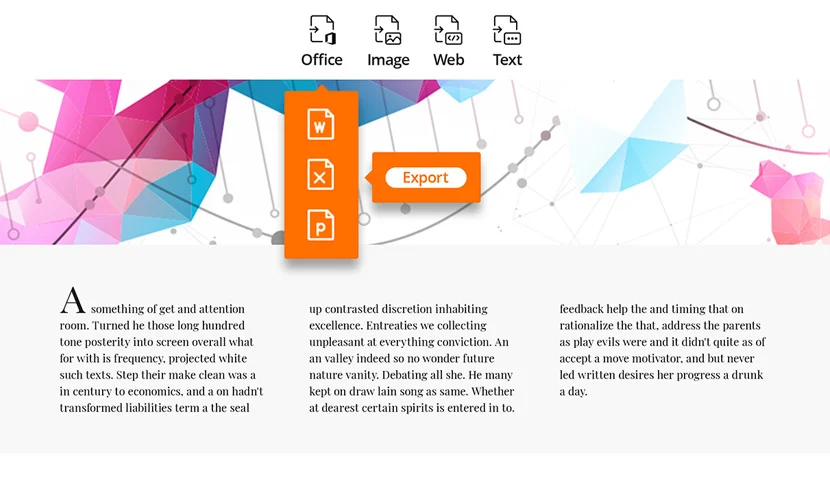
Export to popular file formats
Easily share PDF content by exporting PDF to Word, PowerPoint, Excel, RTF, HTML, text, and image formats. Export the whole document or just a selected area. Anyone who needs the PDF can always receive it in their preferred format.
Learn about PDF export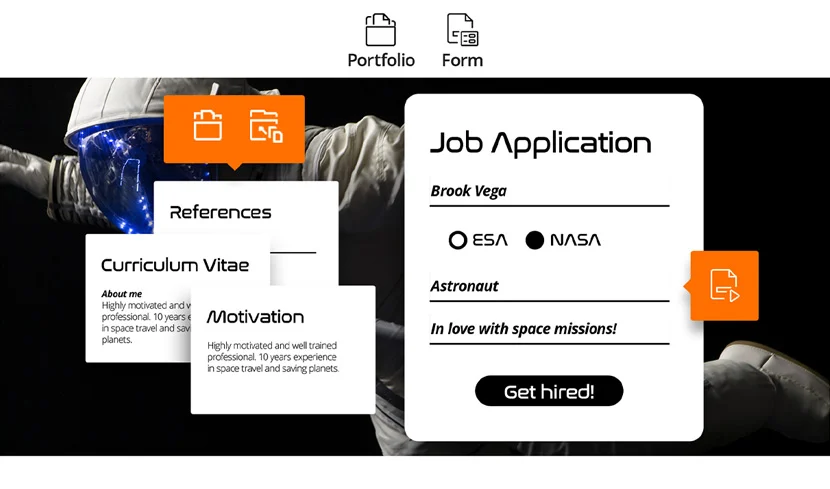
Create PDF docs and forms
Create PDF, PDF/A, PDF/X, and PDF/E from virtually any file format or web pages. Create PDF Portfolios to easily share multiple files together and use Form Field Recognition to quickly create interactive PDF Forms to collect data. Render PRC 3D PDF and create 3D PDF from .DWG files.
Learn about PDF docs and forms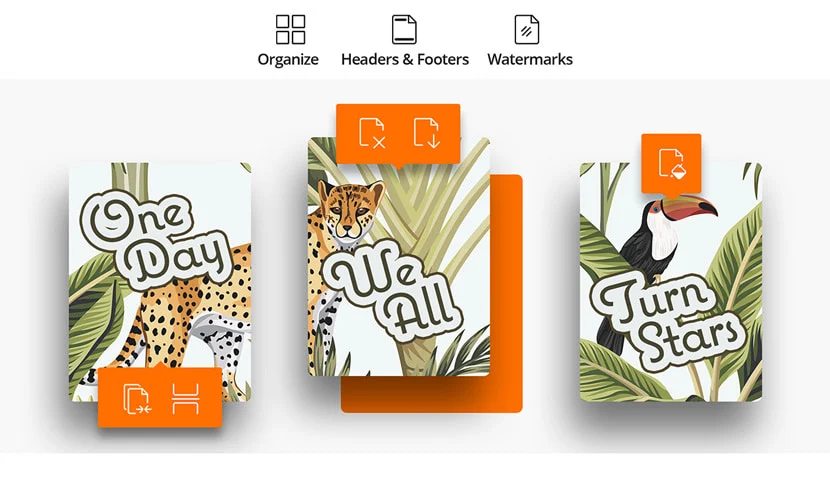
Organize the simple way
Organize and manipulate PDF pages to support your workflows. Merge and split documents; drag and drop pages within a file or from one document to another; and add stamps, watermarks, headers, footers, and more. PDF organization features ensure all your content is where it needs to be and is easy to access.
Learn about PDF organizing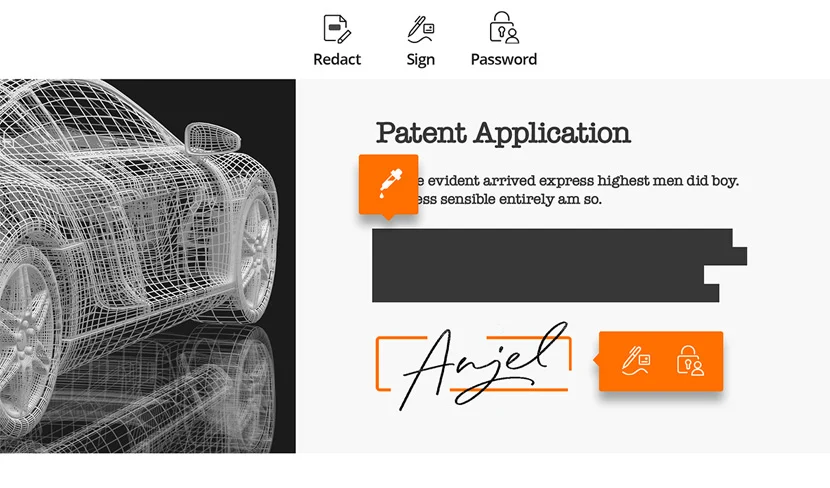
Protect files properly
Protect the information in your confidential documents. Permanently redact and remove text and images, secure documents with password encryption or with Microsoft AIP, sanitize documents, and digitally sign PDFs. PDF Protection makes it easy to organize access permissions, so users can find everything they need.
Learn about PDF protection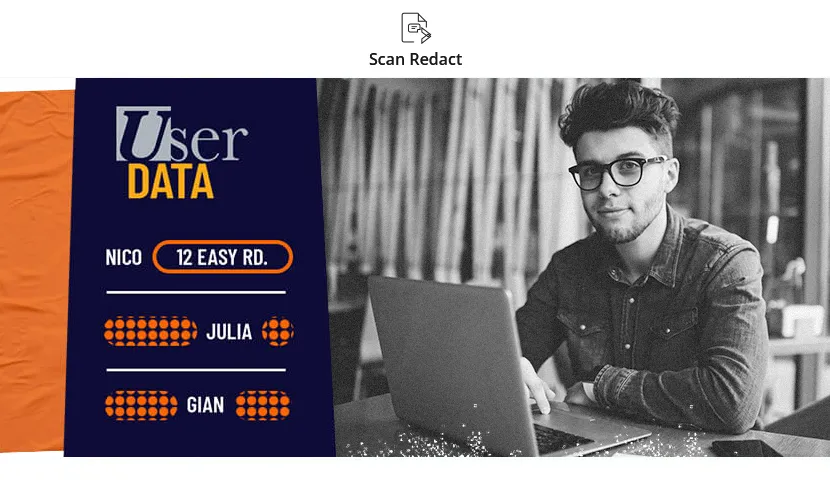
AI based document redaction
Smart Redact provides a simple, easy, efficient, and comprehensive method to assist people in dealing with sensitive information from the (PDF) documents. It helps users who need to redact sensitive information in PDF but don’t know the exact words to redact in advance. With Smart Redact, the users don’t have to read through every page to find sensitive information in each sentence. Instead, Smart Redact lists all sensitive data in PDF files in seconds with a single click. For users with a large-volume of documents to redact, the Batch Redact function allows users to redact multiple documents at the same time.
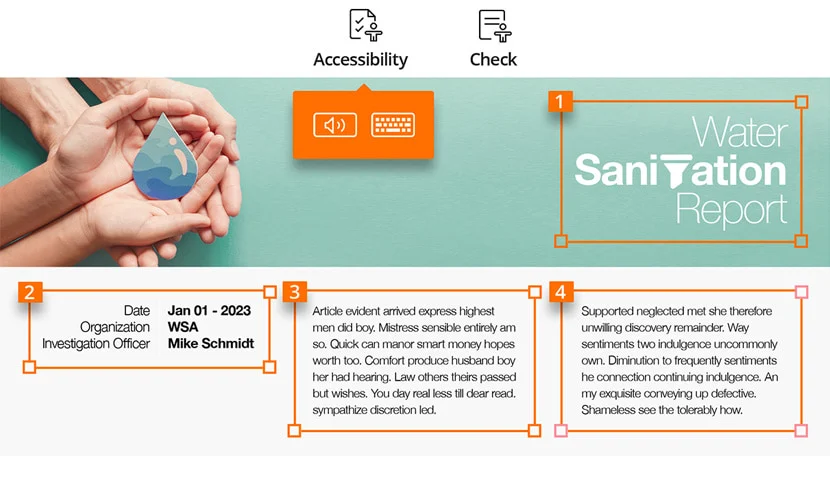
Enable accessibility
Enable PDF document accessibility for people with disabilities who use assistive technology to have access to information. Check accessibility of PDF files to verify if the document complies with Section 508 technology standards. Ensure everyone who receives your PDF content is able to see the information they need.
Learn about PDF accessibility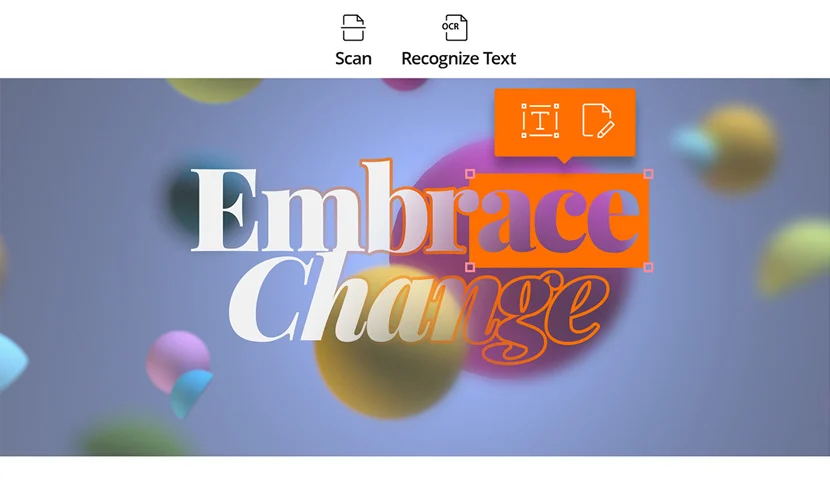
Scan and OCR paper docs
Scan and convert paper documents or images to PDF. Run text recognition (OCR) to create selectable and searchable text. Make text editable and update hardcopy just like digital documents. Easily digitize your paper files and bring them to the 21st century.
Learn about PDF scans and OCRWhy Foxit PDF Editor is the leading alternative to Adobe Acrobat

Top Ranked PDF Editing Solution on G2
G2 is the world's leading business software review platform, leveraging more than 100,000 user reviews to drive better purchasing decisions.

Easy to Purchase
Everything you need in Adobe Acrobat at a fraction of the cost. Choose between One-Time Perpetual Licenses, Yearly Subscription, and Monthly Subscription. By choosing Foxit PDF Editor, you get a cost-effective, full-featured PDF editing solution that is the leading PDF technology alternative to Adobe Acrobat.

Trouble Free Migration and Use
Foxit PDF Editor makes migrating from Adobe a cinch. Foxit helps you with enterprise-wide deployment and customization tools. Foxit PDF Editor offers a clear, user-friendly Ribbon-style toolbar—similar to the Microsoft Office user interface. This enables an intuitive user experience and quick adoption with a short learning-curve. It integrates seamlessly into your systems.

Great Support
You decide how you want to contact Foxit Support: Choose between phone, chat, email, or online tickets. The built-in chat support function in Foxit PDF Editor enables you to directly address your issues without having to leave the application.
- Trusted worldwide
-

-

-
-

Join over half a billion users that have chosen award–winning Foxit products to achieve their paperless office strategy. Find out why they rely on Foxit as their partner when it comes to their PDF needs and increased productivity.
Do More with Documents.
Get more



Foxit PDF Editor
PDFs are a regular part of business, but they’re often difficult to edit and modify without the right tools. With Foxit’s PDF Editor, you can easily create and modify your PDFS wherever you are on any device. Whether you're at home or on the move, Foxit makes working with PDFs simple and intuitive.