
PDF Reader Industry’s most powerful PDF Reader Solution.
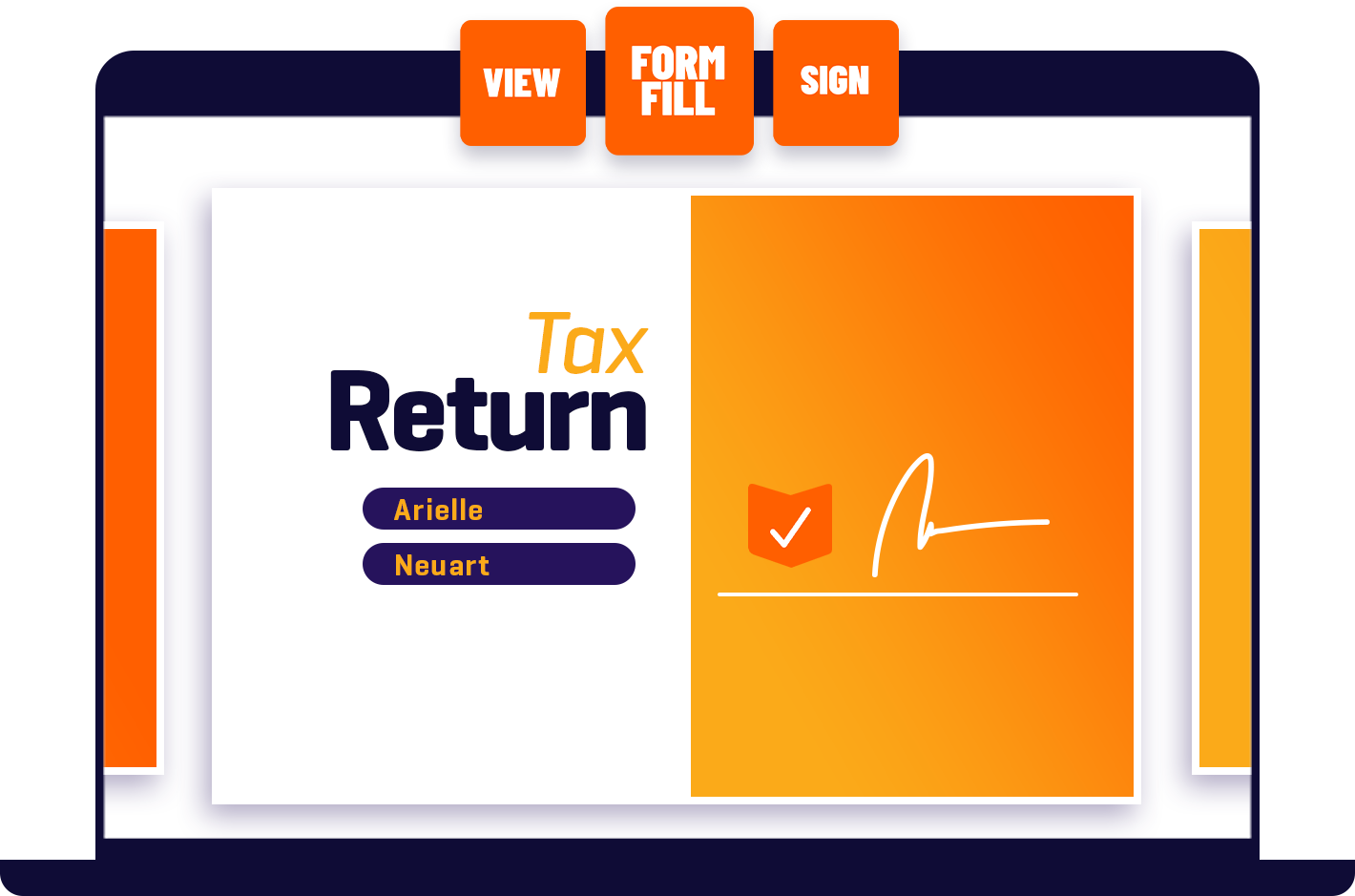
View, annotate, form fill, and sign PDF across desktop, mobile, and web – no matter if you’re at the office, home, or on the go.
Foxit PDF Reader
Features at a glance
Read and Print
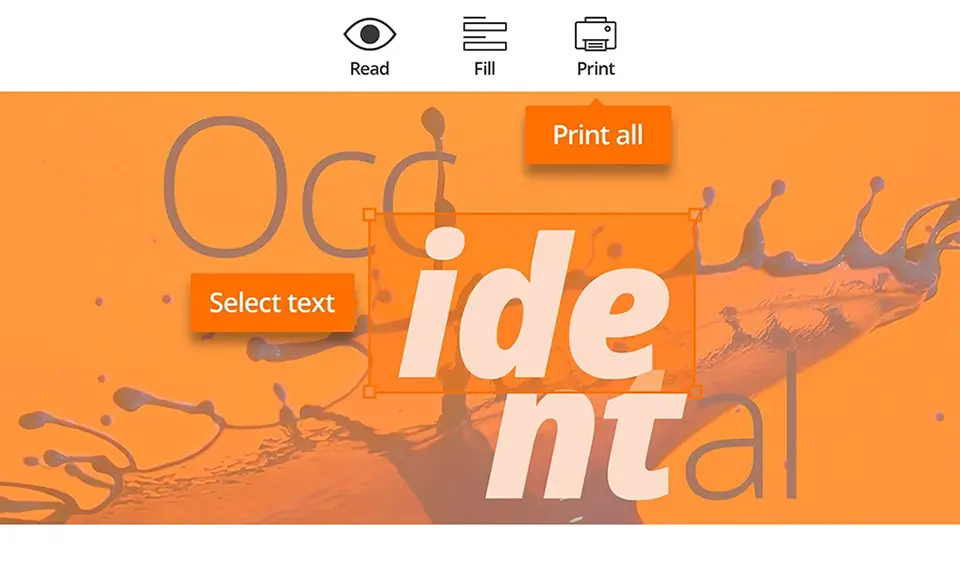
Experience the power of PDF through a full functioned PDF Reader. Reading and printing PDF couldn’t be easier. Leverage existing forms and workflows with standard PDF (Acroforms) and XFA (XML Form Architecture) form filling.
Read PDF Anywhere
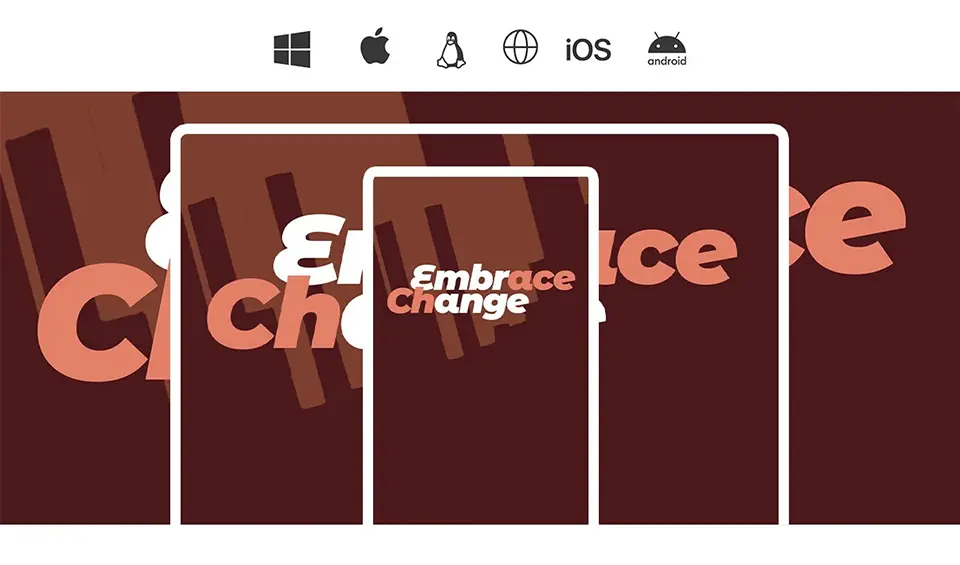
Foxit PDF Reader is available on Windows, macOS, iOS, android, the web, and Linux, providing a consistent reading experience no matter where you are and what device you’re using.
Collaborate and Share
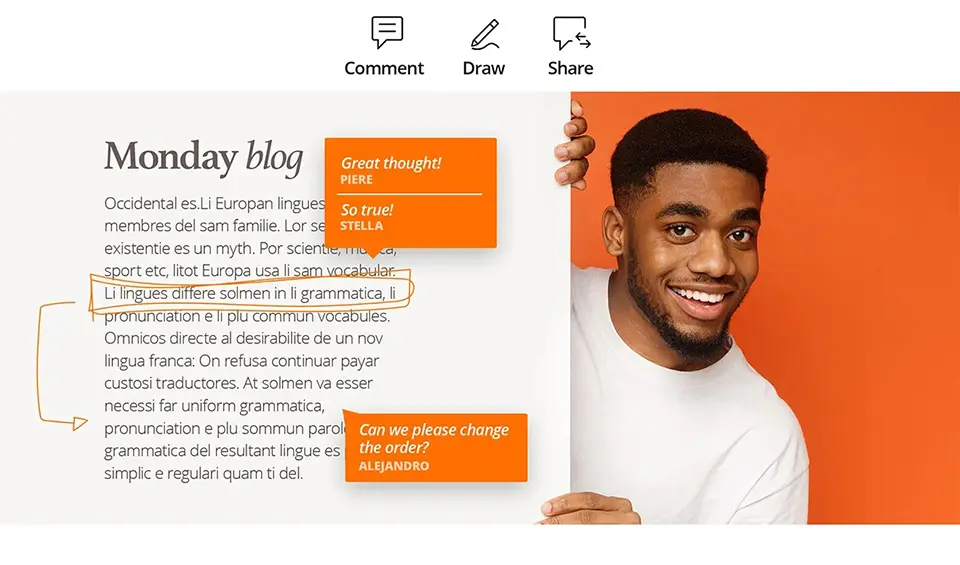
Integrate with leading cloud storage services and popular enterprise CMS. Collaborate through shared reviews while providing document feedback with a large variety of annotation tools. Add file attachments as comments.

Protect and Sign
Sign documents in your own handwriting or utilize eSignature and verify the status of digital signatures. Be safe from vulnerabilities by utilizing Trust Manager/Safe Mode, ASLR & DEP, Disable JavaScript, and Security Warning Dialogs.
AI Assistant
Foxit PDF Reader’s integration with ChatGPT empowers users with the following AI-driven features that help increase productivity and streamline document processing across various devices and operating systems.
Customize and Deploy
Use Group Policy for menu and configuration settings, the SCUP Catalog to import and deploy updates through Windows Update Services, XML Configuration to customize mass deployments, and the Setup Customization Tool for installer configuration./Safe Mode, ASLR & DEP, Disable JavaScript, and Security Warning Dialogs.
To view important PDF documents, you’ll need a reliable PDF Reader. Foxit’s free PDF Reader is the most powerful in the industry. Our small, feature-rich, and very fast PDF Reader enables you to view, annotate, fill out, or securely sign PDF documents no matter where you are or what device you’re on. No other PDF Reader is as intuitive and quick to use.