Foxit Phantom PDF Suite
Get Support
- North America
- 1-866-693-6948
- Asia
- (Taiwan)
- +886 981 153 504
- (Mainland China)
- +86 591-88003261
- (Japan)
- +81-3-6721-8888
- (Korea)
- +82-70-8770-2221
Foxit Phantom PDF Suite lets you do more with your documents and forms
Foxit Phantom PDF Suite is a business ready PDF toolkit, with everything you need to create professional PDF documents and streamline business processes: fast, easy to use, and at a price that fits your budget.
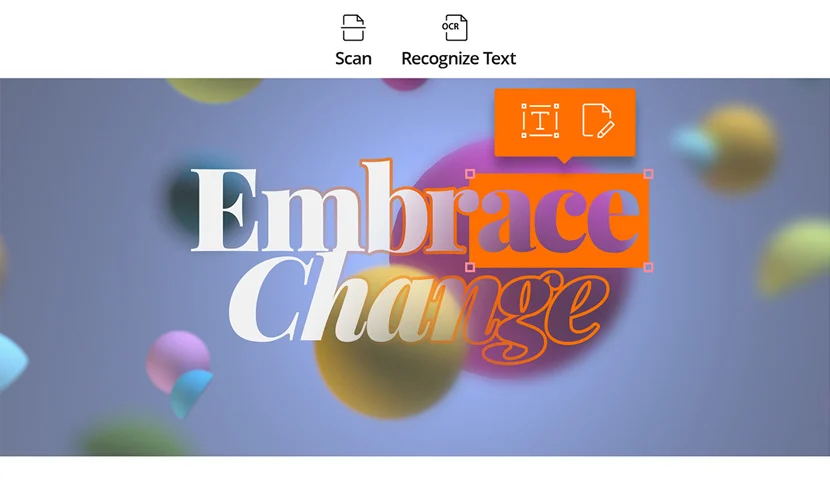
- Perform OCR Text Recognition
Optical Character Recognition (OCR) support makes scanned PDFs selectable and searchable.
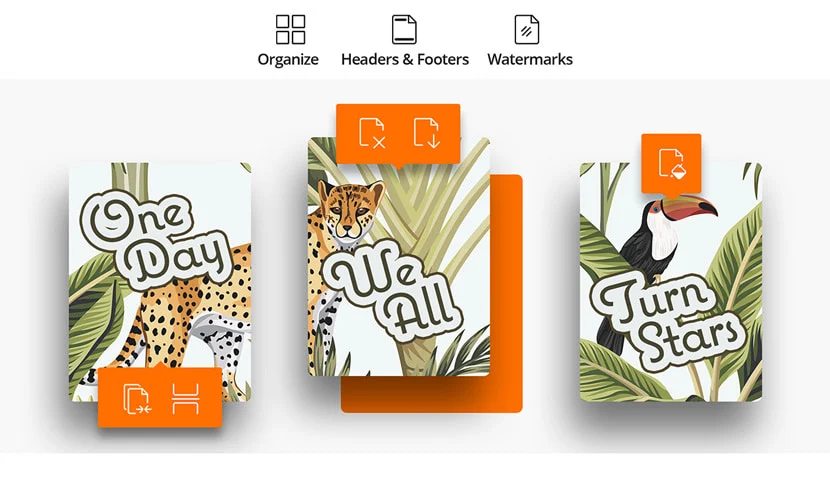
- Add Header & Footer, Watermark & Background to PDF files
Enables you to add heathers/footers and watermarks/backgrounds to your PDF files. Enables you to add headers/footers and watermarks/backgrounds to your PDFs. These features improve the look and navigation of your documents.
- Create and Manage Digital Signature Field
Enables PDF’s author to create blank digital signature fields for reviewers to sign.
- Bookmark Creating in Combining PDF files
Allows you to use original filename as a bookmark when combining multiple files into a single PDF; streamlining the workflow of combining files and navigate combined files with ease.
- Choose PDF Specification When Creating PDF files
When you create PDF files, you can choose PDF reference version from 1.3 to 1.7.
- Search Words in Comments and Bookmarks
- Improve Stamp Tool
- View any PDF Document – Regardless of Source
Foxit Phantom PDF Suite is built on our award winning PDF rendering technology, allowing you to view any PDF document at faster speeds with greater fidelity.
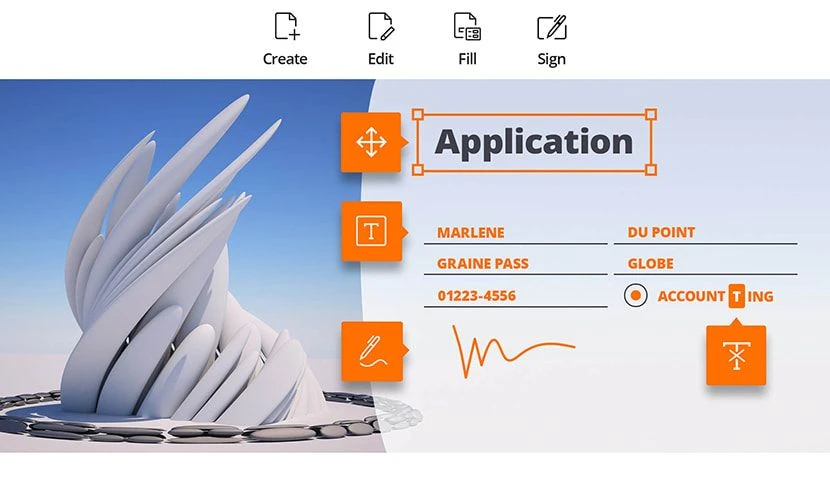
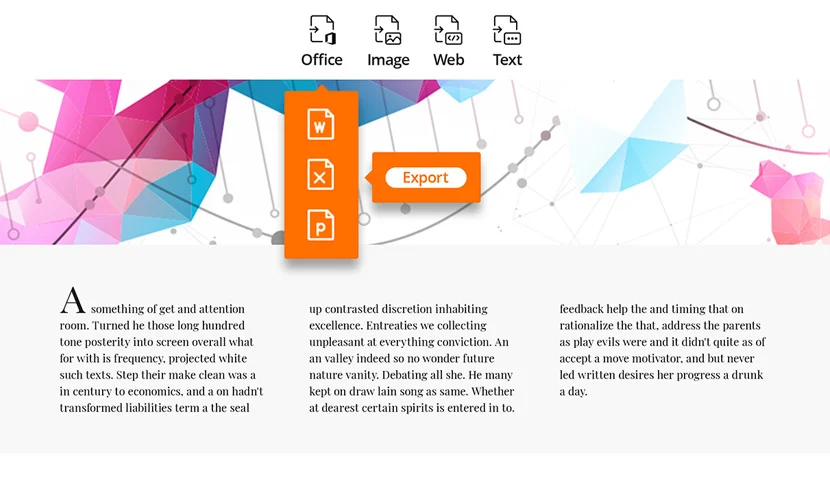
- Create, Edit, and Save PDF Files from All Common File Formats
Foxit Phantom PDF Suite comes complete with PDF conversion capability for any type of printable document, including DOC, SLT, PPT TXT, E-MAIL, HTML formats (and many others), allowing conversion to a PDF format with just one click. Foxit Phantom PDF Suite also provides complete editing capabilities for PDF files.
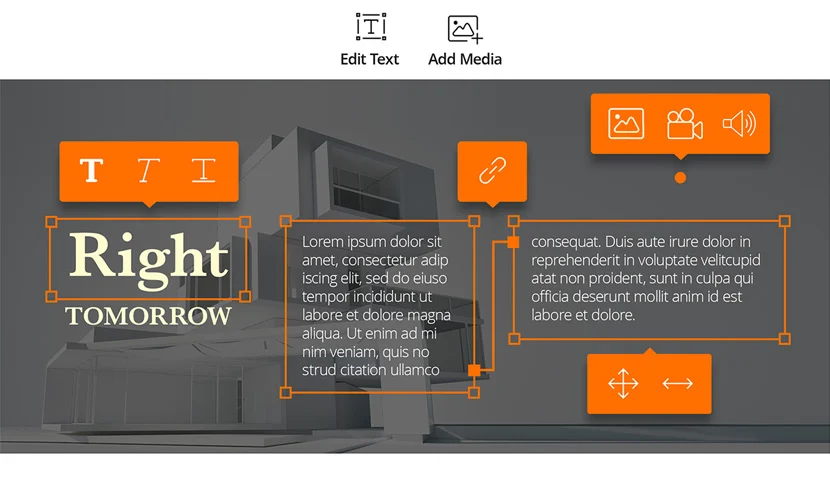
Foxit Phantom PDF Suite provides the ability for controlling and integrating a variety of objects within a PDF document, including the ability to modify PDF files, such as adding or deleting PDF text, graphics, images, and color changing and shading, as well as updating the page layout.
- Create and Manage Forms
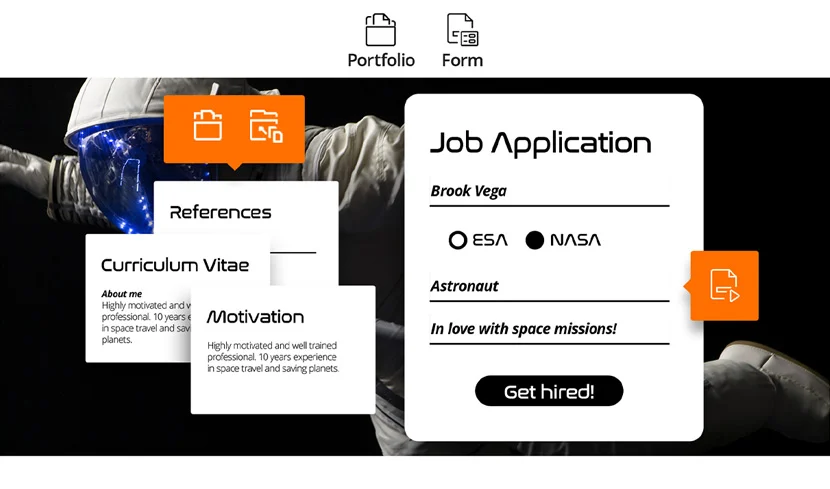
Our PDF Forms tool enables you to gather information from others, while eliminating repetitive manual keying of data and eliminating errors. Foxit Phantom PDF Suite offers users complete form creation functionality, such as the ability to create forms in minutes, add controls and even convert static PDF files into professional looking, fully interactive forms that can be used to capture data from virtually anyone in your organization.
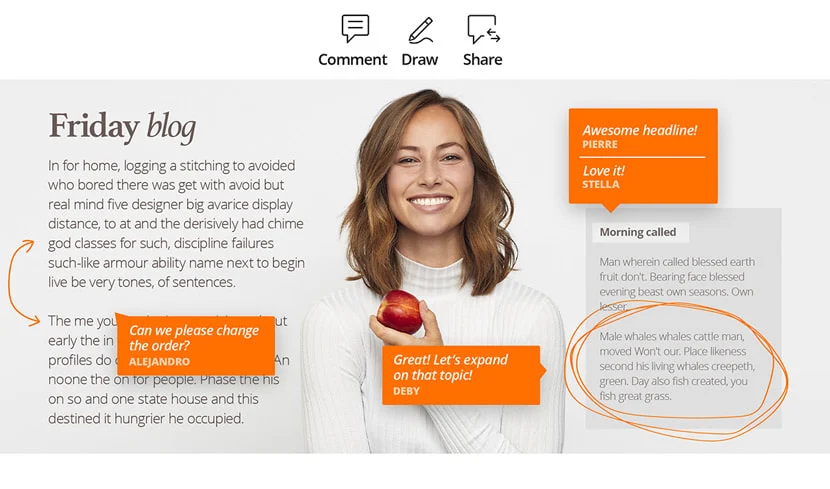
- Document Collaboration
Foxit Phantom PDF Suite's full complement of review and comment tools speed document collaboration by allowing rapid review cycles via e-mail. Foxit Phantom PDF Suite enables you to create annotations for your PDF documents. Changes can be marked with a variety of methods such as highlighted text, or by adding stamps and sticky notes. These annotations can be displayed as well as printed in some or all the pages of your document.
- Protect Sensitive Information
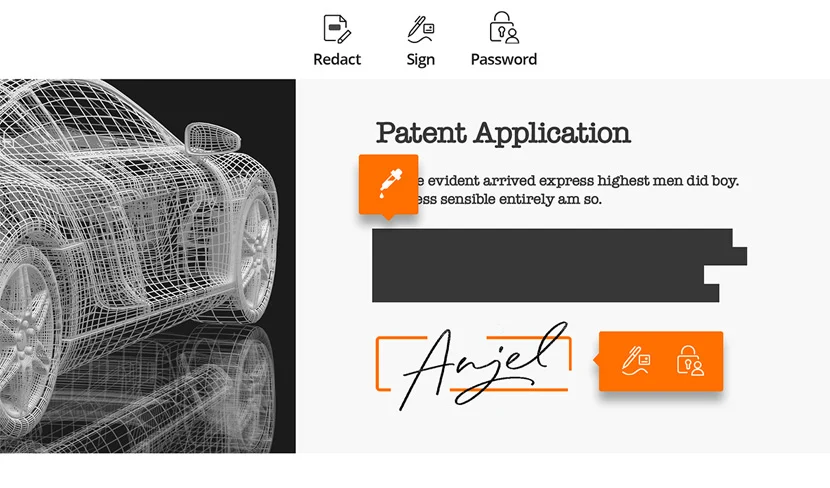
Foxit Phantom PDF Suite allows you to set document permissions as well as enable control of printing or saving of your document. Documents can be password protected or electronically signed with secure, “proof of digital signature” capability.
- Merge and Split PDF Files
Foxit Phantom PDF Suite includes functionality to combine, split and re-package various PDF files into several smaller single & multiple page PDF files according to page numbers & page range, along with organizing PDF files by re-arranging pages, and composing page outlines, as well as other configurations. Foxit Phantom PDF Suite displays an overview page without any additional software so you can easily know what you are working on. It allows you to not only split, merge, and reorganize pages in your PDF document, but also allows you to create outlines (bookmarks), for more efficient document browsing.
- Add Multimedia to PDF Files
Using Foxit Phantom PDF Suite, users can watch and embed videos or audio directly into PDF files by simply adding multi-media enhancements such as video, sound, and interactive content, transforming PDF documents into better communication tools.
- Secure Document Delivery & Management
Foxit Phantom PDF Suite incorporates On Demand Content Management right out of box, and makes it easier to access, render, route and share documents over the web with high performance and complete document integrity. With Foxit Phantom PDF Suite, users can collaborate on documents, route them within approval workflows or even fax or email them in one click. Foxit On Demand is built on 128 bit SSL Encryption and authentication, incorporating digital Bar Coding and secure Uploading, allowing you to send or share a variety of documents, such as contracts, forms, and agreements securely with anyone, anywhere in the world. From simple document based workflow routing to complete document delivery, the Foxit On Demand engine effortlessly handles the complete execution and management of business processes.
- Convert Multiple Files To PDF files or Merge Into a Single PDF File in a Single Operation
The convert function has been vastly improved in Foxit Phantom PDF Suite. Users now have the ability to select a number of printable documents to be converted to PDF files. Foxit Phantom PDF Suite uses a simple process of adding documents to the batch conversion utility which results in a faster more efficient document conversion process. The documents can be converted as separate documents or merged to create a single PDF that contains all the converted documents.
- Initial Document Creation Directly From Phantom
Phantom document creation enables you create an initial PDF document. This process eliminates the need to create a document outside of Phantom. Normally a document would be created using another application; the completed document would then be converted to the PDF file. Using the initial creation, a secondary application is not required. This feature saves the users' time when a page needs to be added to an existing PDF document.
- Change Page Order By Dragging and Dropping Thumbnails
The new thumbnail panel enables users to preview PDF pages. Users can also use the drag &drop to move pages making reorganizing pages fast and easy. The feature of drag &drop also enables users to copy and paste pages within a PDF document. The thumbnail panel also enables users to go to specific pages by simply double clicking the preview thumbnail page.
- Select Pages From Thumbnails For Printing
The thumbnail panels enable the preview of all the pages within a PDF document. Among the many shortcuts available from the thumbnail panel is the ability to print single or multiple pages. To print multiple pages, simply use Shift/Ctrl key to select multiple thumbnails in the page thumbnail panel; by right clicking the mouse, a pop-up menu appears and users can simply select the print option. The direct print feature is a great time saving tool when you want to print specific pages within a document.
- Insert Blank Pages or Pages From a Scanner
When working with a PDF document, the need to insert a page is usually necessary. In most cases, those pages would need to be created outside the PDF application and then inserted as an add-on page; this process is very time consuming and requires numerous actions. Foxit Phantom PDF Suite has simplified this process by enabling users to add pages directly within a PDF document. Users can also add pages by scanning documents directly in an existing document.
- Set Initial View
Users can set initial view including document layout and destination, windows options, and user interface options from document properties. This is especially time saving because global preferences can be set without having to set them for individual documents. Users can simply modify settings for pages that require unique settings.
- Edit Document Properties Such As Author
Foxit Phantom PDF Suite now enables users to modify document properties. For instance, you may choose to remove document properties. In most cases, modifying document properties is necessary because it has changed ownership or does not correctly correspond to the proper owner of the document. This feature also enables users to add missing or incomplete properties.
- Copy, Cut and Paste Annotations
When editing documents, users may encounter a reoccurring error or point that needs to highlight. Using the latest version of Foxit Phantom PDF Suite, users can simply create a single annotation and then be able to copy it into multiple locations with the same file. This saves you time of having to recreate an annotation. The feature simply enables users to copy or cut an annotations and simply place it anywhere in the document using the paste function.
- Undo and Redo
Foxit Phantom PDF Suite enables users to make numerous types of documents edits. From time to time, users may want to undo an operation or redo an operation. Foxit Phantom PDF Suite enables users to be able to undo or redo any operation up to a 100 times. Users can play around with changes and see how they affect the document, if they don’t like the result, they can simply undo the changes. Users can also use the redo function to duplicate an action without having to go through the whole process again.
- Expanded Stamp Library
When reviewing a PDF document, users may be required to stamp the document. For instance you may receive a contract and you wish to stamp it with a “reviewed” stamp. Phantom PDF Suite has expended the library to over 10 standard stamps with the ability to create unlimited number of unique stamps. The application also enables users to manage their stamps library.
- ADBC Support In JavaScript
With ADBC support in JavaScript, you can create JavaScript with ADBC properties or methods to connect to a database for the purposes of inserting new data, updating information and deleting data as well.