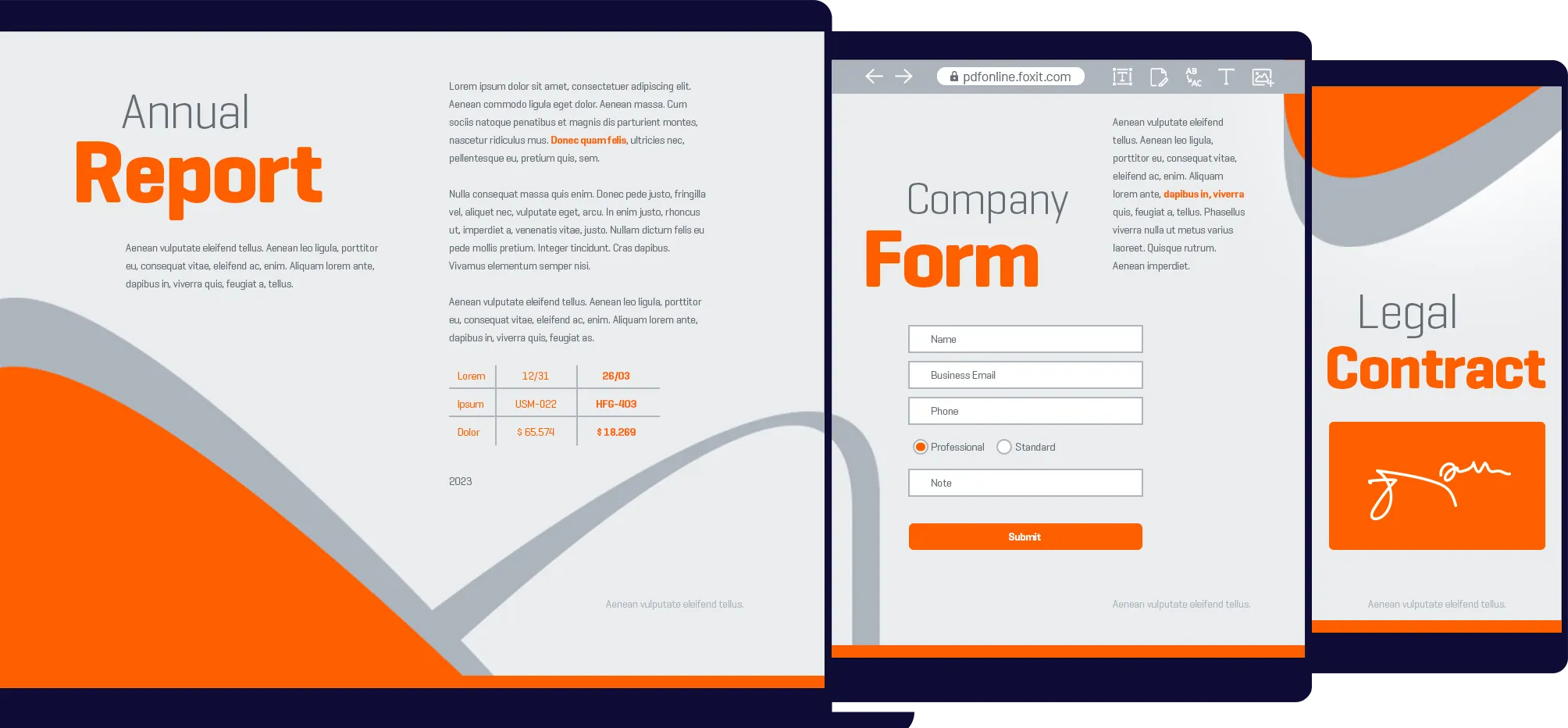

Allows users to create, annotate, and edit standards-compliant PDF files. Users can fill out existing standard and XFA forms and design new PDF forms. OCR support allows users to convert scanned or image-based content into selectable and searchable text. Users can export PDF to DOC, text, and image formats to easily share PDF content with other applications like Microsoft® Word®. Comprehensive security features can safeguard documents through the use of password encryption, certificate encryption, and digital signatures.
Offers the capabilities of PhantomPDF Standard, plus it provides advanced editing and expanded security features. Users can extend the usage control benefits of Microsoft Active Directory® Rights Management Service to PDF documents to allow the author to control the document features within each PDF. The certify document feature indicates a user approves of the contents of a PDF document and allows the user to specify the types of changes that are permitted for the PDF to remain certified. Redaction allows users to permanently remove (redact) visible text and images from PDF documents.
Review: Foxit PhantomPDF by Edward F. Moltzen, CRN September 08, 2011
Foxit Phantom gets 5 out of 5 stars from CNET Editors August 16, 2011
| Foxit Product | Volume | English Price | French / German Price |
|---|---|---|---|
| PhantomPDF Standard | 100 or less | $50 | $60.00 |
| PhantomPDF Standard | Over 101 | Contact Foxit Enterprise Sales | |
| PhantomPDF Business | 100 or less | $75 | $90.00 |
| PhantomPDF Business | Over 101 | Contact Foxit Enterprise Sales |
Speak with Foxit Enterprise Sales to start the upgrade process. Just provide your contact information and we'll connect with you right away.
Email in a copy of your Adobe Acrobat licenses keys, or other proof of purchase, to sales@foxitsoftware.com. Foxit will then email you a link to the online store to purchase at discounted prices.
| PhantomPDF Standard 5.0.3 | PhantomPDF Business 5.0.3 | Adobe Acrobat X Standard | Adobe Acrobat X Professional | ||
|---|---|---|---|---|---|
| Price | $95 | $149 | $299 | $449 | |
| PDF Create and Convert | |||||
| Create industry standard PDF files from virtually all PC applications & popular image formats | |||||
| PDF specification 1.7 / ISO 32000 compatible | |||||
| One-Step PDF Creation from Microsoft Word, Excel and PowerPoint | |||||
| Export to .DOC files (Microsoft Word) | |||||
| Customizable PDF creation properties | |||||
| Create ISO standard PDF/A files | |||||
| Create PDF from multiple files and file types, scanner, blank page | |||||
| Merge multiple files into a single PDF document | |||||
| Adjust compression levels for smaller files | |||||
| PDF Viewing Features | |||||
| Capable of viewing all PDF types | |||||
| Open and decrypt RMS encrypted PDF documents | |||||
| Muti-tab browsing | |||||
| Loupe Tool | |||||
| Magnifier | |||||
| Side-by-side document comparisons | |||||
| View and navigate page thumbnails, bookmarks | |||||
| Grids and custom drawing guides to help positioning objects in the PDF | |||||
| Text viewer | |||||
| Initial view setting | |||||
| Search including bookmarks and comments | |||||
| PDF/A validation | |||||
| PDF Editing Features | |||||
| Add, edit, delete and manage document hyperlinks and bookmarks, custom actions for bookmarks and hyperlinks, such as opening a file, playing a sound, go to a web page, etc. | |||||
| Combine multiple files into a PDF file | |||||
| Add , edit, delete and manage image and multimedia annotations | |||||
| Add , edit, delete and manage header and footer, background, watermark | |||||
| Add, edit, delete and manage Text and Path objects | |||||
| Move, resize, rotate, cut, copy and paste graphic and image objects | |||||
| Manage pages in a document (reorder, new, insert, extract, crop, rotate and delete pages), insert pages from scanner | |||||
| Reorder pages from dropping and dragging thumbnail in page thumbnail panel | |||||
| OCR text recognition to create searchable and selectable documents | |||||
| PDF optimizer | |||||
| Redaction | |||||
| Advanced PDF editor | |||||
| High compression when creating PDF from scanner | |||||
| PDF Reviewing Features | |||||
| Add, manage, view and navigate document comments | |||||
| Familiar comment, markup tools (notes, text boxes, callouts, highlight, underline, strikeout, squiggly, cross-out,typewriter, Stamps, etc ) and drawing tools (comment tools including lines, rectangles, pencil, oval, polygon, cloudy, arrow) | |||||
| Measuring tool for distance, perimeter and area measuring |
|||||
| Attach a file as a comment | |||||
| Organize and manage a library of stamps | |||||
| Import/Export comments data and summarize comments | |||||
| View and navigate document digital signatures | |||||
| Copy,cut and paste Annotations | |||||
| Summarize comments | |||||
| Print with comments for efficient review | |||||
| PDF Forms Features | |||||
| Fill in and save forms, including XFA form |
|||||
| Import/Export form data, reset form fields | |||||
| JavaScript support | |||||
| Draw and edit form controls (text fields, buttons, drop-down lists, check boxes, radio buttons and digital signature fields) | |||||
| Edit static XFA form | |||||
| PDF Security Features | |||||
| Add, edit, delete and manage passwords secure encryption and permission controls to PDF files | |||||
| Add, edit, delete and manage certification secure encryption and permission controls to PDF files | |||||
| Add, edit,delete and manage security policies |
|||||
| Add, edit, delete and manage digital signatures to PDF files | |||||
| Certify document and set permitted actions after certifying | |||||
| AD RMS protector | |||||
| AD RMS policy manager | |||||
| Encrypt PDF documents with AD RMS | |||||